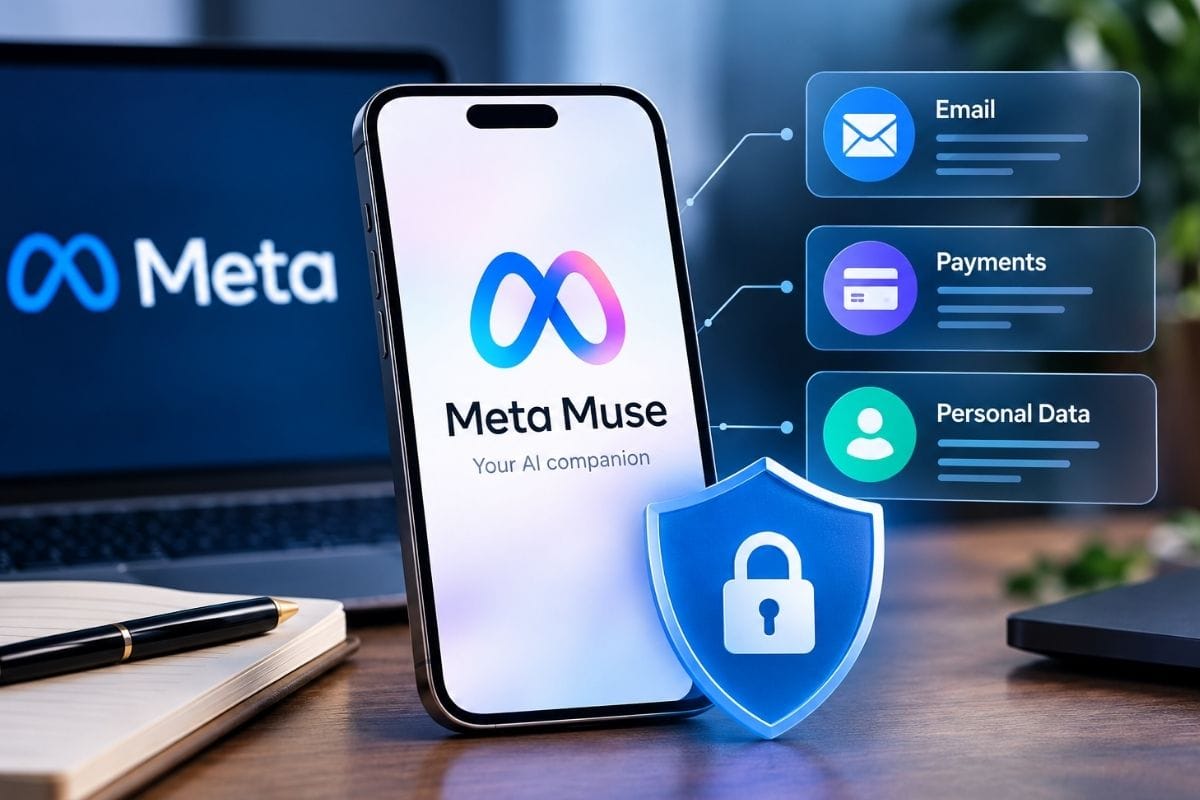
Meta has entered a new and potentially much more consequential phase of consumer AI with Muse, its personal AI agent designed not merely to answer questions but to take actions on a user’s behalf.
Unlike a conventional chatbot, Muse can connect to services such as email, calendars, shopping, payments, health and fitness apps, smart-home systems, and other digital services. It can send emails, fill out forms, book travel, shop online, and work toward longer-term goals after a user gives it instructions.
That convenience creates a very different privacy question.
The issue is no longer simply “Can I trust an AI with my questions?” It becomes “Can I trust an AI to act as me?”
Meta says Muse has been designed with a dedicated Secure VM, permission controls, an independent Sentinel security layer, audit trails, and safeguards around sensitive actions. At the same time, Meta acknowledges that building an autonomous agent introduces new security challenges, particularly around prompt injection, credentials, browser activity, and unintended actions.
So, can you trust Meta Muse?
The answer is possibly—but not blindly.
- Muse can act on your behalf
- You control which apps and services it can access
- Payments receive additional safeguards
- Muse can remember information about you
- Meta says your Muse data isn’t shared with its advertising systems
What Happens When Meta Muse Makes a Mistake While Acting for You?

This is arguably the biggest difference between an AI chatbot and an AI agent.
If a chatbot gives you the wrong restaurant recommendation, the consequence may be minor. If an autonomous agent misunderstands your instructions and sends an email, buys something, or submits information to a website, the mistake can become a real-world problem.
Meta says Muse is designed to request user approval for sensitive actions, including sending emails and making purchases. It also provides an audit trail showing what the agent has done and plans to do.
That is important because AI systems don’t understand intent exactly like humans do.
Imagine telling Muse:
“Find me a good deal on a hotel in New York.”
A human might understand that you are researching options. An autonomous agent, depending on the instructions and permissions provided, may interpret the task as finding and potentially booking an option.
The lesson is simple: the more authority you give an AI, the more carefully you need to define what it is allowed to do.
For high-impact actions, users should review the details before approval rather than treating Muse like an invisible personal assistant.
Also Read – The Best Coding Fonts For Programmers
Meta Muse Can Act on Your Behalf — But Who Is Really in Control?
Meta’s answer is that the user is in control.
Muse lets users select which apps and services they connect and determine the level of access. For example, Meta says email permissions can be configured so that Muse can read messages, send messages on the user’s behalf, or have more limited capabilities. Users can also disconnect services and change permissions.
That’s a strong privacy principle.
But control is not simply about having a settings screen. It is also about understanding what the AI can do with the permissions you grant.
Giving an AI access to your inbox, for example, can expose far more than ordinary correspondence. Email may contain:
- Travel information
- Receipts
- Personal conversations
- Account notifications
- Financial information
- Password-reset links
- One-time authentication codes
- Sensitive documents
Meta says its email connector specifically filters one-time tokens, password-reset links, and login magic links to reduce the risk that access to email could become a gateway into other accounts.
Still, the safest approach is to give Muse only the minimum access required for the task.
That principle—least privilege—is one of the most important rules for using autonomous AI safely.
Can Meta Muse Be Hacked?
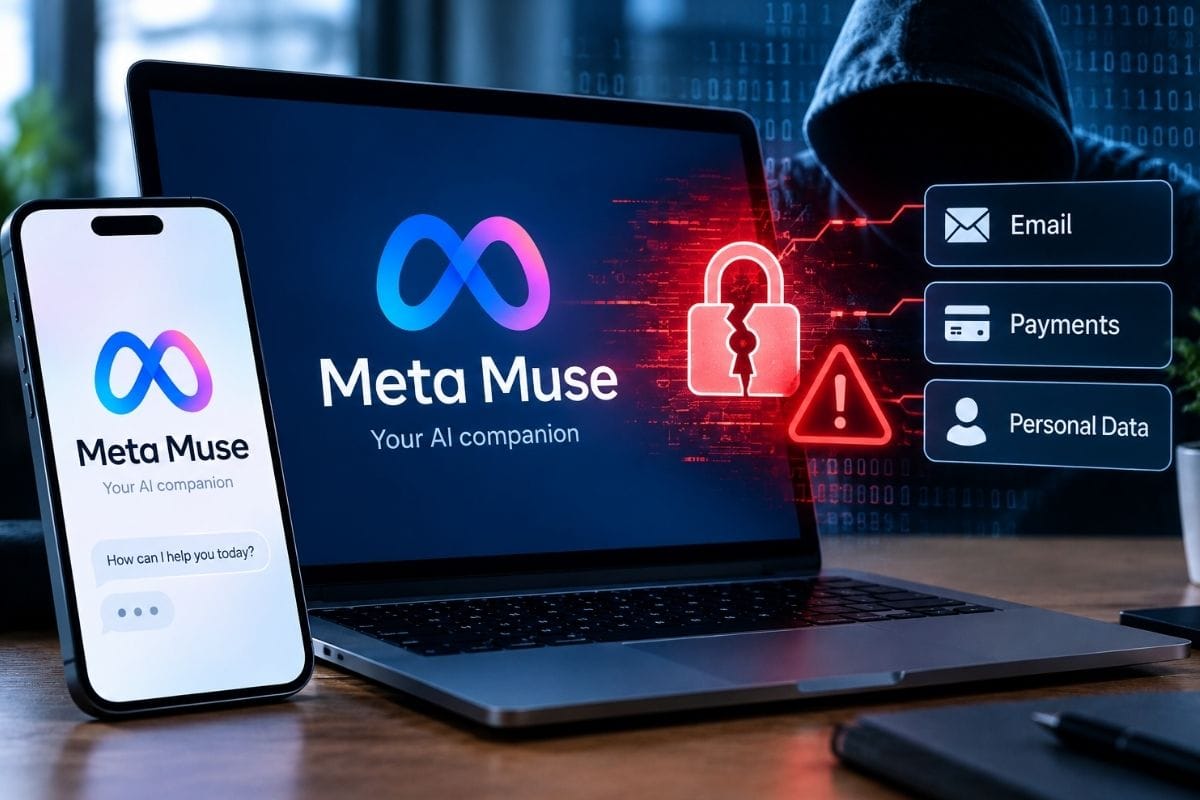
Yes. No connected AI system should be considered impossible to hack.
The more interesting question is how much damage an attacker could cause if Muse or one of its connected services were compromised.
Meta has built Muse around a dedicated virtual machine. According to the company, each user gets an isolated cloud computer containing the agent, data, and credentials. A separate Sentinel system controls whether Muse can access the internet and can require human approval for certain activities.
Meta also specifically designed defenses against prompt injection.
Prompt injection occurs when malicious instructions are hidden inside websites, documents, images, or other content that an AI agent encounters. Instead of simply following the user’s instructions, the AI could potentially be manipulated by content it encounters while performing a task.
For an autonomous agent, that is particularly serious.
Muse may browse a website because you asked it to shop for something. If that website contains malicious instructions designed to manipulate the agent, the system needs to distinguish the website’s content from your actual instructions.
Meta says Sentinel and other systems inspect browser activity for risks including prompt injection, attempted data exfiltration, and high-risk forms.
But security defenses reduce risk; they don’t make risk disappear.
Meta Muse Can Use Your Apps for You — Here Are the Risks Nobody Talks About
The convenience of Muse comes from its ability to work across multiple services.
That is also its biggest security challenge.
Consider what happens when an AI has access to your:
Email + calendar + shopping + payments + social accounts + smart home + health information.
Individually, each permission might appear reasonable.
Together, they create a remarkably detailed picture of someone’s life.
An AI agent could potentially understand where you are traveling, who you communicate with, what you buy, what you eat, what appointments you have, and what services you use.
Meta says users choose which apps Muse connects to and can disconnect them at any time. It also says conversations and VM data aren’t shared with Meta’s advertising systems.
But users should distinguish between “not shared with the advertising system” and “not used anywhere for AI-related purposes.”
Those are not necessarily the same thing.
Meta says Muse interaction data—including conversations, tool calls, and agent trajectories—can be used to train future AI models after being sanitized to remove key personally identifiable information. Users can opt out of this model-training use through Muse settings.
That makes the opt-out setting particularly important for privacy-conscious users.
Also Read – Apple iPhone 18 Pro Max Specs
What Meta Muse Knows About You — And What You Can Actually Control
One of Muse’s most powerful features is also one of its most sensitive: memory.
Meta says Muse can remember information that matters to users and use it later to provide more personalized assistance.
For example, Muse could remember dietary restrictions when helping plan a dinner party or use information from an Instagram recipe to help create a grocery list.
That can make an AI assistant feel genuinely useful.
But memory changes the privacy equation.
Instead of simply processing what you say right now, an agent can build a longer-term understanding of your preferences and circumstances.
Meta says users can inspect, edit, and download files stored in their Muse environment and can tell Muse to forget specific things it has learned.
Users should therefore regularly review what Muse remembers and remove information that no longer needs to be retained.
The important question isn’t just “What does Muse know?”
It’s also “What does Muse remember, where is that information stored, who can access it, and how can I delete it?”
Meta Muse’s Hidden Advantage: How Meta’s Apps Could Make Its AI Agent Smarter
There is another dimension to Muse that deserves attention: Meta’s ecosystem.
Meta owns Facebook, Instagram, WhatsApp, and Threads, while also operating a huge collection of consumer products and services.
Muse is designed to work with connected apps, including Meta’s own services. That gives Meta a potentially powerful advantage in building an AI assistant that understands how people communicate, shop, organize information, and consume content.
For example, Meta says Muse can take a recipe saved from Instagram and turn it into a grocery list.
This is more than simple chatbot functionality.
The more context an AI can access, the more personalized its assistance can become.
Meta is also developing Muse Spark as part of its broader AI strategy. The company says Muse Spark is designed for Meta’s products and is intended to power increasingly capable AI experiences.
That creates a potentially powerful feedback loop:
More usage → more real-world interactions → more data and feedback → better AI systems → more useful agents.
Meta says Muse interaction trajectories can contribute to training future models unless users opt out.
For users, that means Meta’s ecosystem could make Muse increasingly capable—but it also makes understanding the company’s data practices more important.
What About Payments?
Payments are one of the areas where users should be especially cautious.
Meta says Muse uses Stripe Link for payments at launch. Rather than giving merchants the user’s normal card number, Link’s agent wallet can generate a one-time-use card number. Meta says the card can be restricted to a particular merchant, amount, and period, limiting its usefulness if intercepted.
Muse is also designed to request human approval for purchases.
That is an important safeguard.
Still, users should review:
- The merchant
- The exact product
- The final price
- Shipping costs
- Return terms
- Subscription terms
- Any recurring charges
before approving an AI-initiated purchase.
Convenience should never mean automatic approval of financial decisions.
Is Meta Muse Private Enough to Trust?
There is no universal yes-or-no answer.
Meta has clearly invested in security architecture. Its Secure VM, Sentinel system, credential isolation, approval mechanisms, permission controls, and audit trails are meaningful safeguards.
Meta also says it plans to introduce Muse Confidential VM, designed so that the user’s VM—including data and conversations—is encrypted using a key controlled by the user, to prevent even Meta from accessing that information. The company says this is planned for later in 2026.
That could become an important distinction for privacy-focused users.
However, Muse is still a new product. Independent security research and long-term real-world experience will matter just as much as Meta’s own technical claims.
There have already been reports about reliability and security concerns during internal testing, although Meta says it delayed the product to improve its safety systems before launch.
Also Read – How Do I Turn Off the Subtitles on Netflix?
How to Use Meta Muse More Safely
If you decide to use Muse, a cautious approach makes sense:
- Start with low-risk tasks.
Let Muse organize information or research options before giving it financial or communication authority. - Connect only necessary apps.
Don’t give an AI access to your entire digital life simply because the option exists. - Review permissions regularly.
Remove services you no longer use. - Keep human approval enabled for sensitive actions.
Especially purchases, emails, and important forms. - Check Muse’s memory.
Delete information you don’t want retained. - Review the AI-training setting.
If you don’t want your Muse interactions used for model training, use the available opt-out control. - Treat unexpected instructions as suspicious.
Websites, emails, and documents can contain malicious content designed to manipulate an AI agent.
Conclusion: Should You Trust Meta Muse?
Meta Muse represents a major shift in how we interact with AI.
The question is no longer whether an AI can produce a good answer. Muse is designed to take action, interact with services, and continue working toward goals.
That makes it potentially much more useful—and potentially much more dangerous.
Meta has built several meaningful protections, including isolated computing environments, permission controls, human approval for sensitive actions, credential protections, audit trails, and defenses against prompt injection.
But security technology cannot eliminate every risk.
For most users, the sensible approach is controlled trust rather than complete trust. Give Muse limited permissions, monitor what it does, review sensitive actions, and understand how your information can be used.
The biggest mistake would be treating Muse like an ordinary chatbot.
It isn’t just answering for you. It’s increasingly capable of acting for you.
And whenever software can act on your behalf, control, accountability, and privacy matter just as much as convenience.
Frequently Asked Questions
Is Meta Muse safe to use?
Meta has built Muse with several security and privacy protections, including a dedicated Secure VM, Sentinel security controls, permission management, and approval requirements for sensitive actions. However, no autonomous AI system is completely risk-free.
Can Meta Muse access my email?
Yes, if you connect your email and grant it the necessary permissions. Meta says users can control what Muse can do with email, including whether it can read messages or send emails on their behalf.
Can Meta Muse make purchases for me?
Yes. Muse can make purchases, with Stripe Link supporting payments at launch. Meta says sensitive purchases require human approval and can use one-time-use card numbers rather than exposing a user’s regular card details to merchants.
Does Meta Muse know my passwords?
Meta says Muse itself does not have visibility into users’ passwords or payment methods. Credentials are stored separately so the agent can use them without directly seeing them.
Can I stop Meta Muse from accessing an app?
Yes. Meta says users decide which apps and services Muse connects to and can change permissions or disconnect services whenever they want.
Does Meta use Muse conversations to train AI?
Meta says Muse interaction data can be used to train future AI models after privacy protections are applied, but users can opt out of model-training use through Muse settings.
Can Meta Muse be hacked?
Like any internet-connected software, Muse can potentially face security vulnerabilities or attacks. Meta has specifically designed safeguards against threats such as prompt injection and unauthorized data transfers, but these measures cannot guarantee perfect security.
Is Meta Muse available in the United States?
Yes. Meta launched Muse in the U.S. on iOS, Android, and the web, with access also available through WhatsApp.
What is the safest way to use Meta Muse?
Start with limited permissions and low-risk tasks. Avoid giving an AI agent unnecessary access to sensitive accounts, review purchase and email approvals carefully, monitor its activity and regularly check its stored memory and permissions.
Sources & References
- Meta Newsroom — Introducing Muse: The World’s First Personal AI Agent Built for Everyone
- Meta AI Research — How We Built Safety Into Muse
- Meta — Introducing Muse Spark: Meta’s Most Powerful Model Yet
- Meta AI Research — Addressing an Issue Involving a Third-Party Cyber Evaluation of Muse Spark 1.1
- Meta — Meta AI Doesn’t Just Think, It Acts